Home Server Power Consumption & Resource Monitoring
How much does a 24/7 home server really cost? Monitor CPU, RAM and disk with btop and calculate your electricity bill with this simple formula.
Keeping an Eye on Resources
Before upgrading hardware, it is vital to know if your current system is actually struggling.
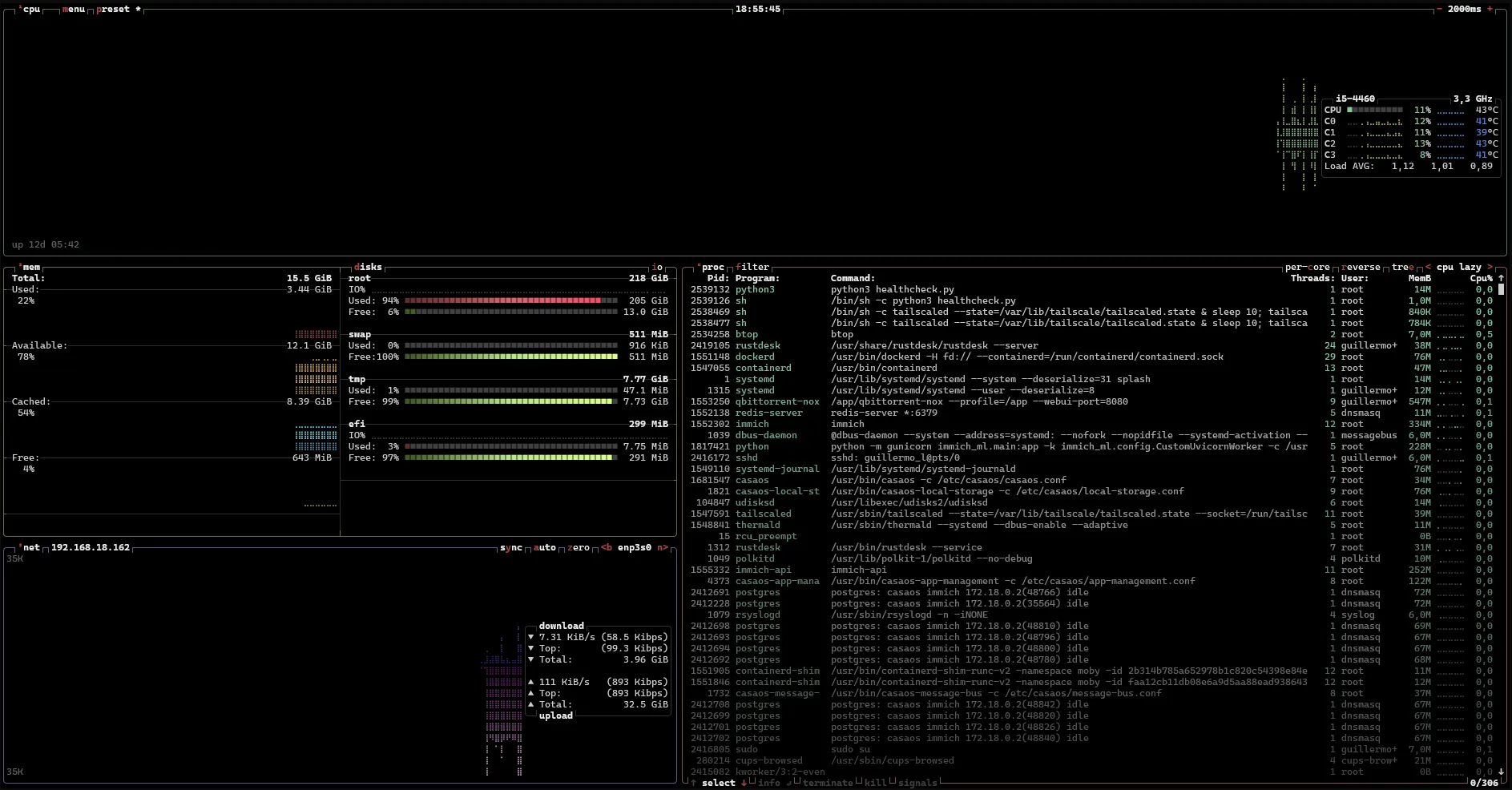
I highly recommend installing btop (sudo apt install btop). It gives you a beautiful terminal interface to monitor CPU temps, RAM usage, and disk I/O.
Here is a snapshot of my server running under load. You can see processes like Immich, Tailscale, and Docker utilizing the CPU and memory.
Calculating Electricity Costs
Use this simple formula to see how much your server costs to run 24/7:
Annual Cost = (Watts × 24h × 365 days / 1000) × Your kWh Price
An old gaming PC pulling 80W idle will cost you a small fortune, whereas an optimized i3 or i5 desktop pulling 25W is highly affordable.
If you want to skip the manual maths, plug your wattage and your kWh price into my electricity cost calculator — it breaks the bill down by day, month and year.