The Ultimate Docker Compose Template for Self-Hosting
A complete Docker Compose template for a Jellyfin + qBittorrent media stack — the exact structure I use to deploy apps beyond the CasaOS store.
Moving Beyond App Stores
When I first started using CasaOS, I loved the built-in App Store. But eventually, I wanted to install an AI assistant container (Hermes) that wasn’t in the store. I searched YouTube and forums, got incredibly confused with all the configuration files, and finally had to use an AI to help me understand how custom Docker Compose files work. Once I learned it, it unlocked limitless possibilities.
The Template
Here is a standardized template for a media stack (Jellyfin + qBittorrent):
services:  jellyfin:    image: lscr.io/linuxserver/jellyfin:latest    container_name: jellyfin    restart: unless-stopped    environment:      - PUID=1000      - PGID=1000      - TZ=Europe/Madrid    volumes:      - ./jellyfin-config:/config      - /mnt/2TB_drive/movies:/data/movies    ports:      - 8096:8096
  qbittorrent:    image: lscr.io/linuxserver/qbittorrent:latest    container_name: qbittorrent    restart: unless-stopped    environment:      - PUID=1000      - PGID=1000      - WEBUI_PORT=8080    volumes:      - ./qbit-config:/config      - /mnt/2TB_drive/downloads:/downloads    ports:      - 8080:8080      - 6881:6881      - 6881:6881/udp
Tip
New to mounts? The ./ paths are bind mounts — here is a plain-English explainer of Docker volumes vs. bind mounts.
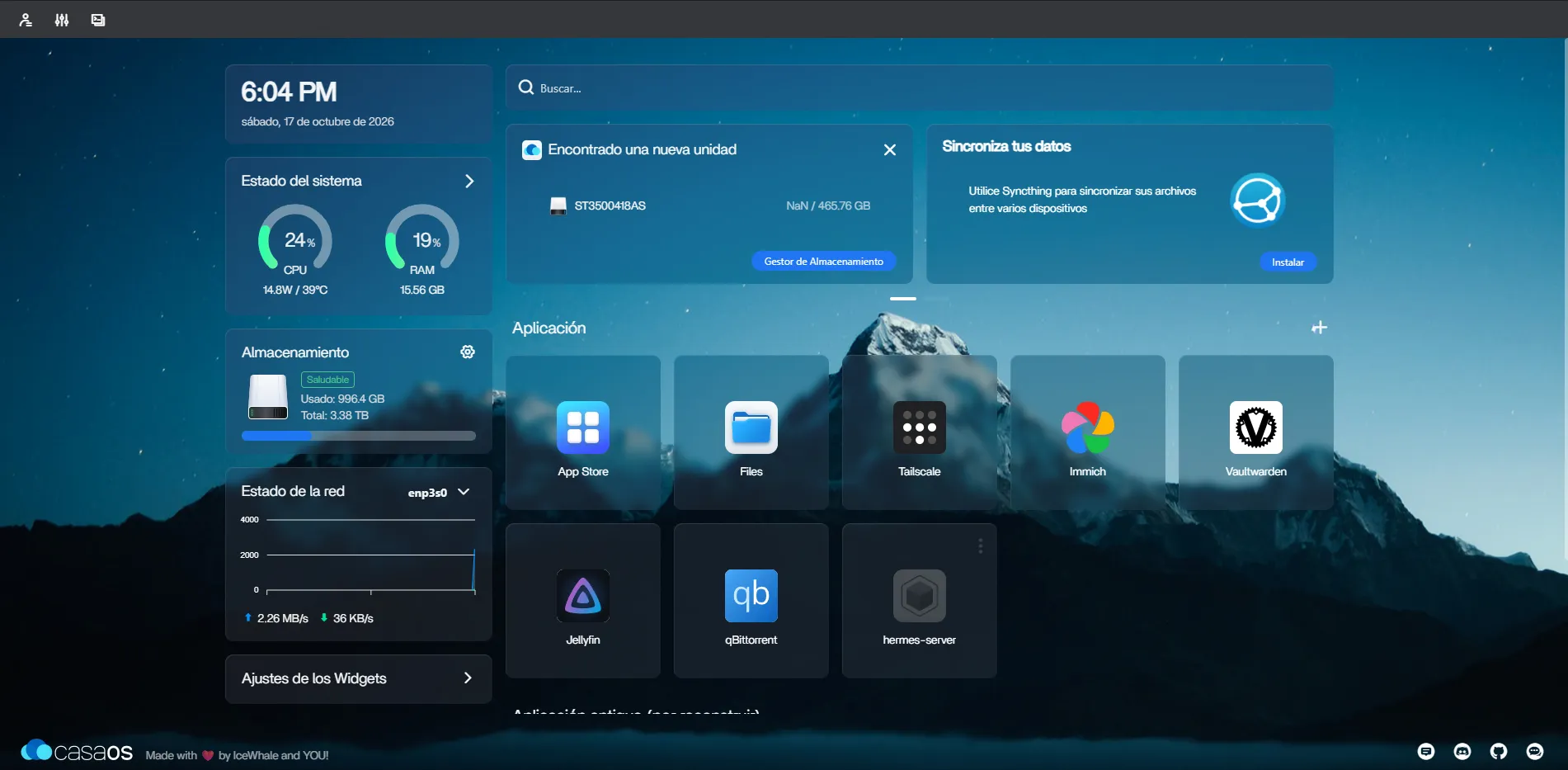
By deploying via Compose, they integrate perfectly alongside native CasaOS apps. Here is my current CasaOS dashboard tracking CPU, RAM, and my custom apps: